






Gliffy for Confluence
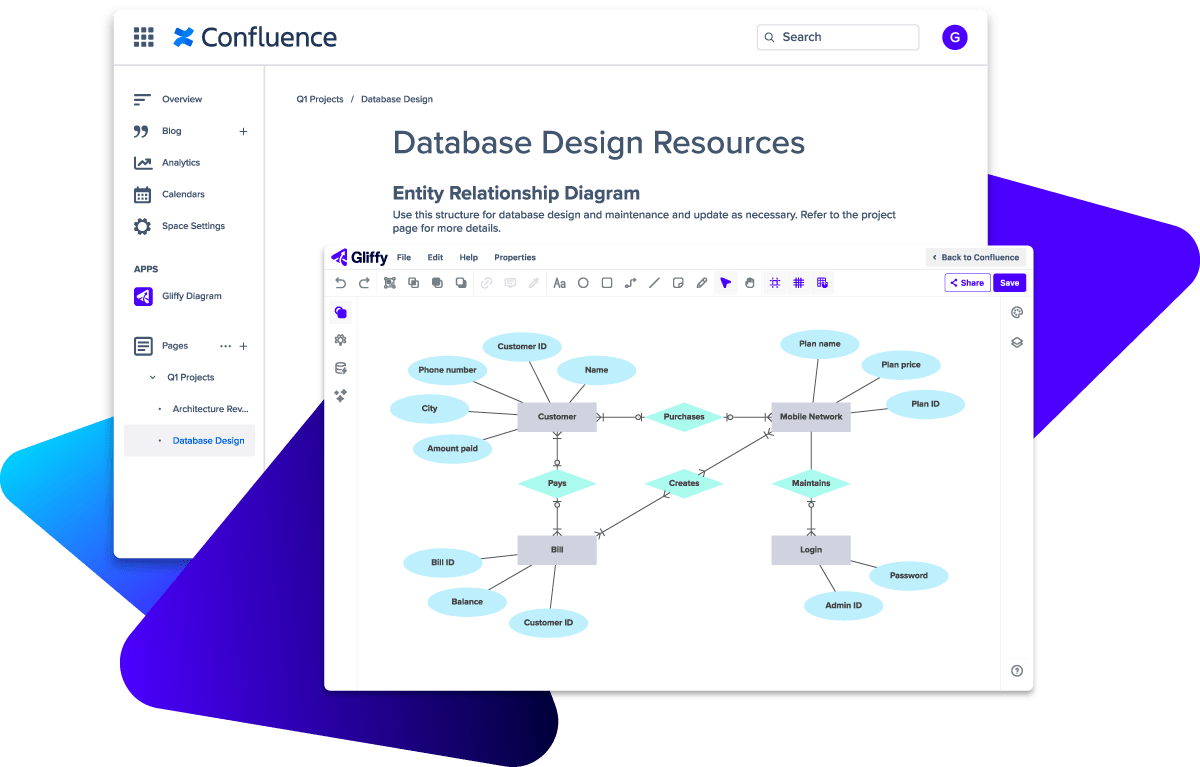
Diagram however your team is set up, whether on Confluence Cloud or Data Center.

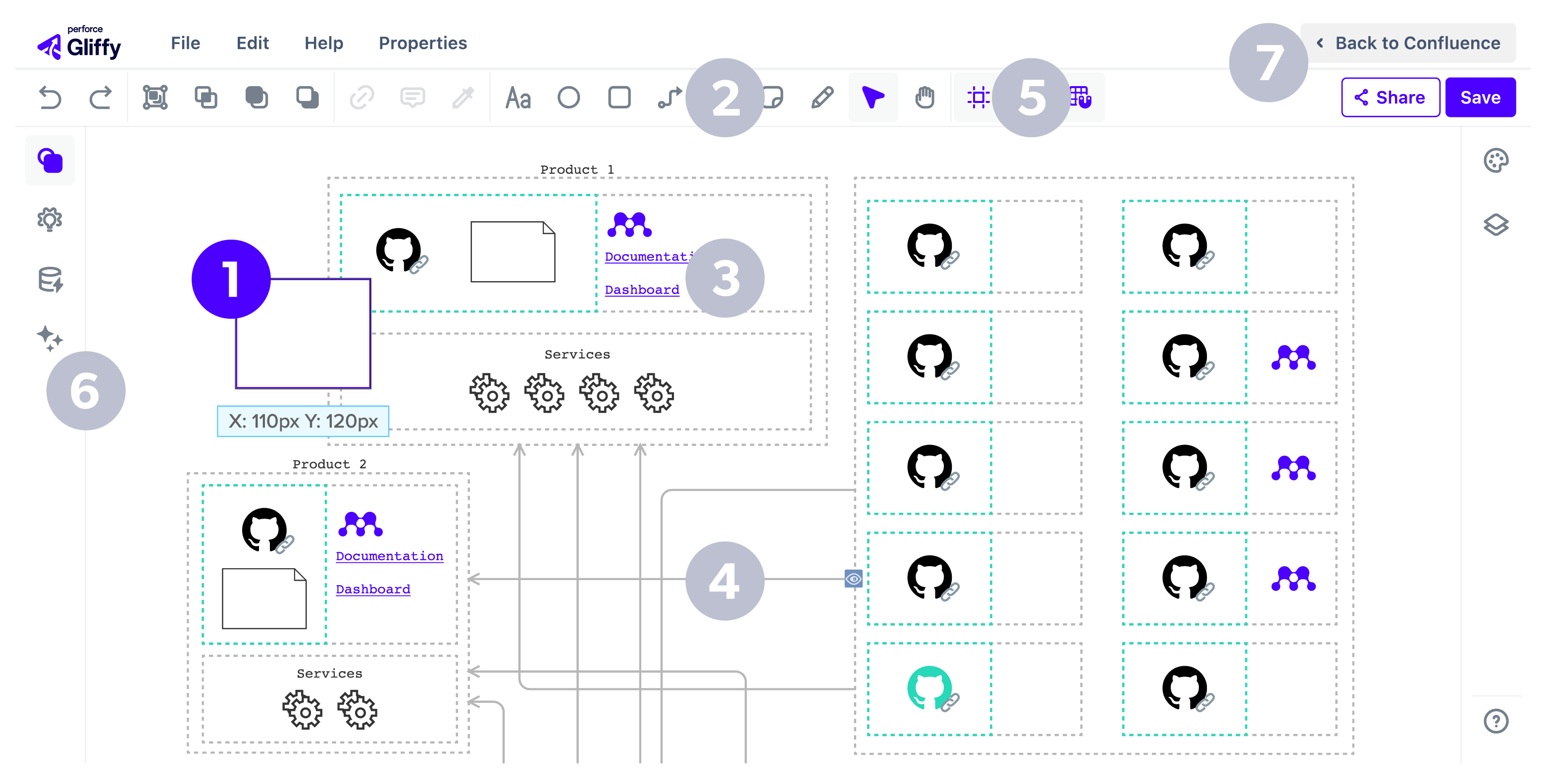
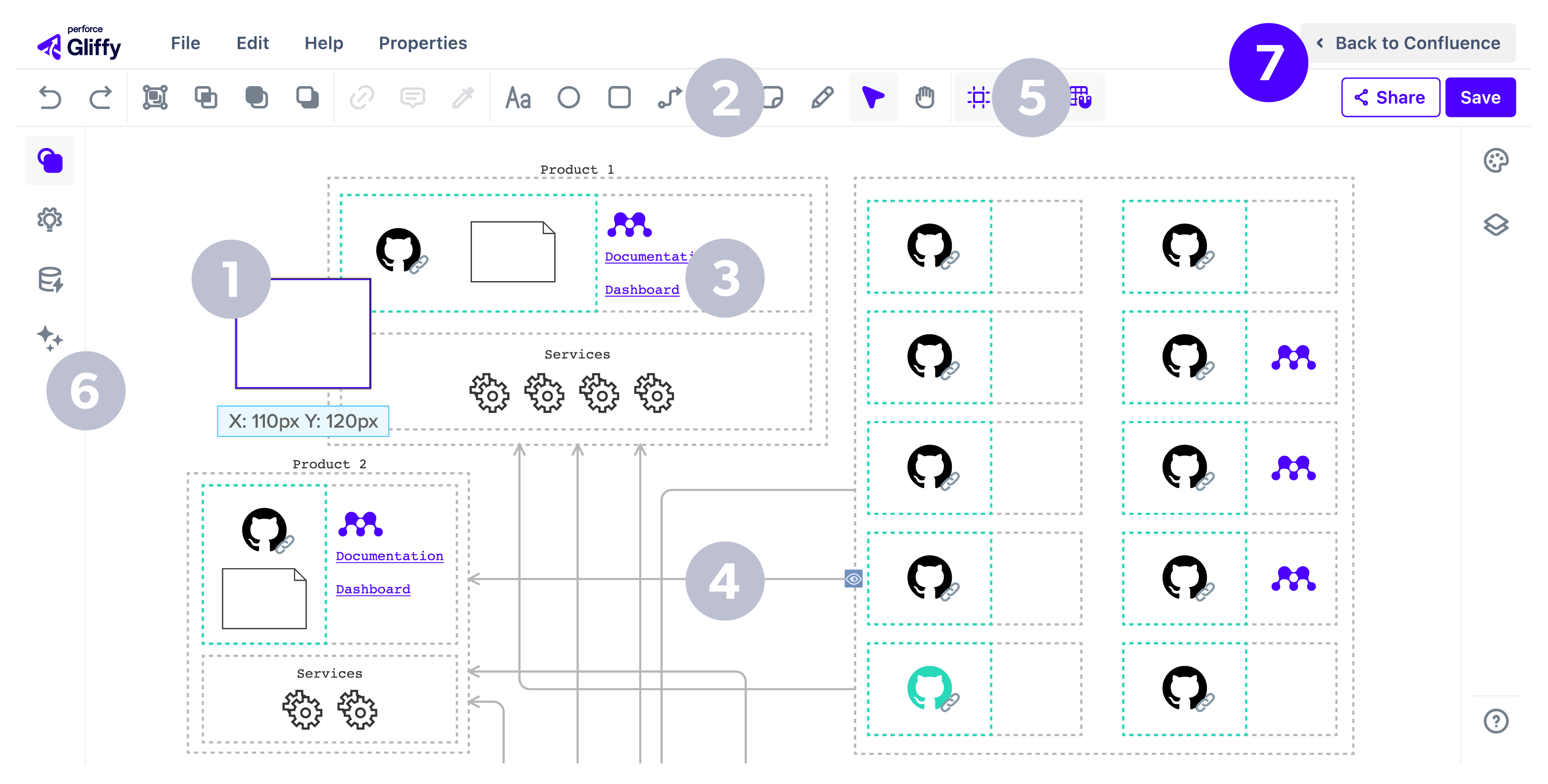
1. Drag and Drop View
See each shape as you drag and drop it onto the canvas.
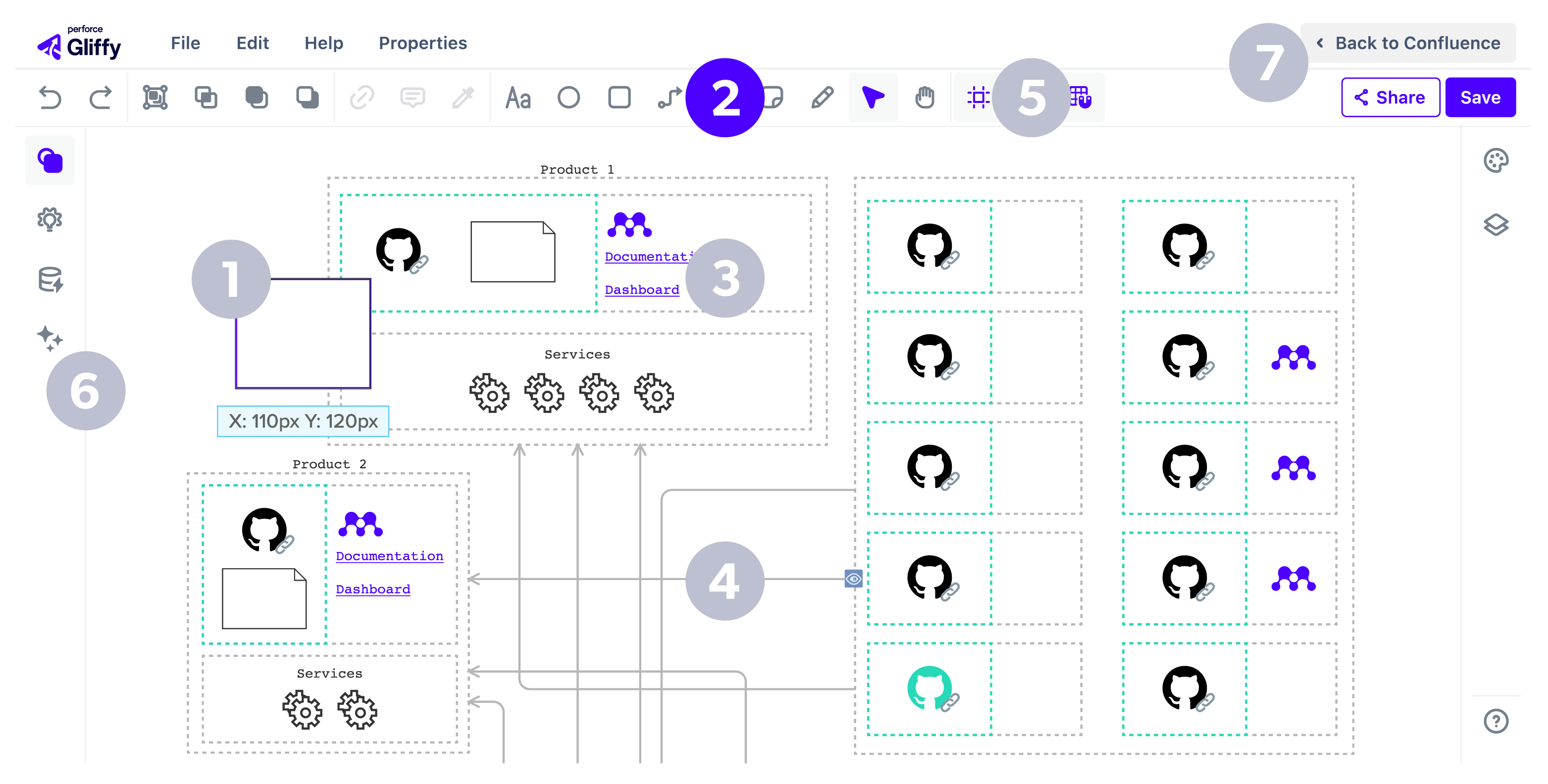
2. Let the Ideas Flow
Use sticky notes and the freehand drawing tool to quickly record and sketch out ideas during a collaboration session.
3. Search Anything
Find important information in a flash — all diagram text is fully searchable in Confluence.
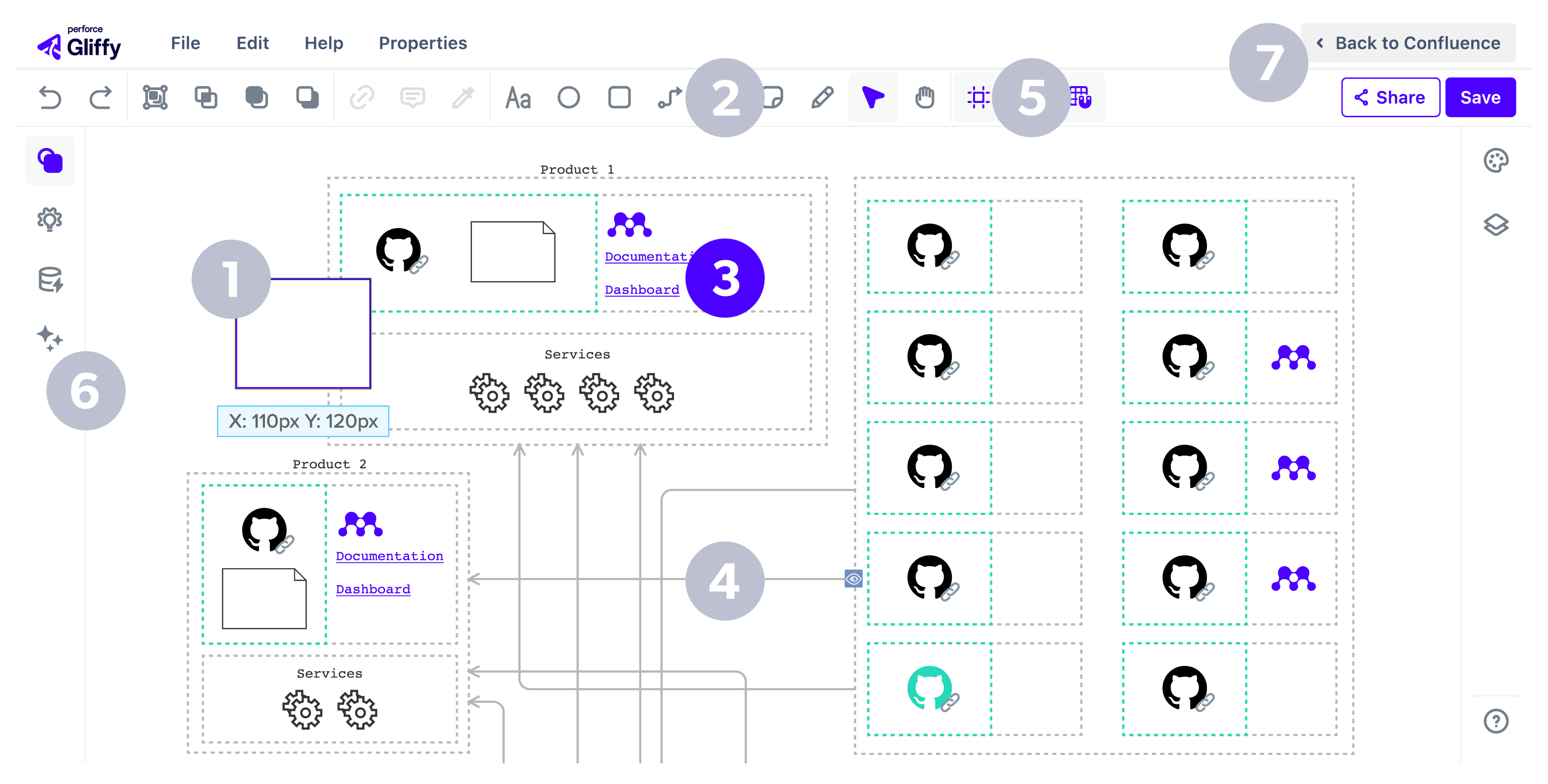
4. Interactive Diagramming
Build diagrams that expand and collapse with a click to reveal or hide additional levels of context.
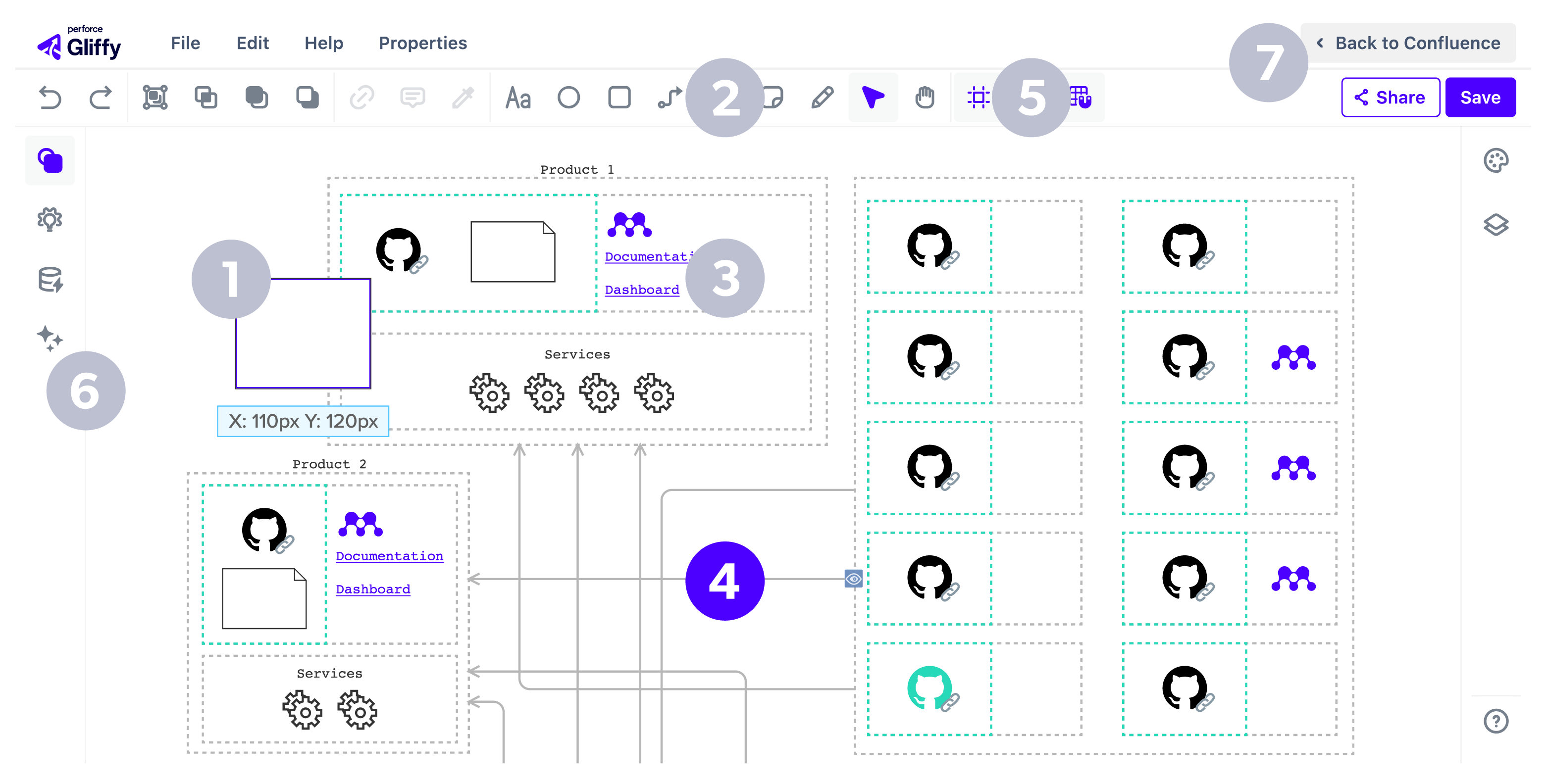
5. Pixel Perfect Precision
Keep everything in line with the help of drawing guides and the grid view.
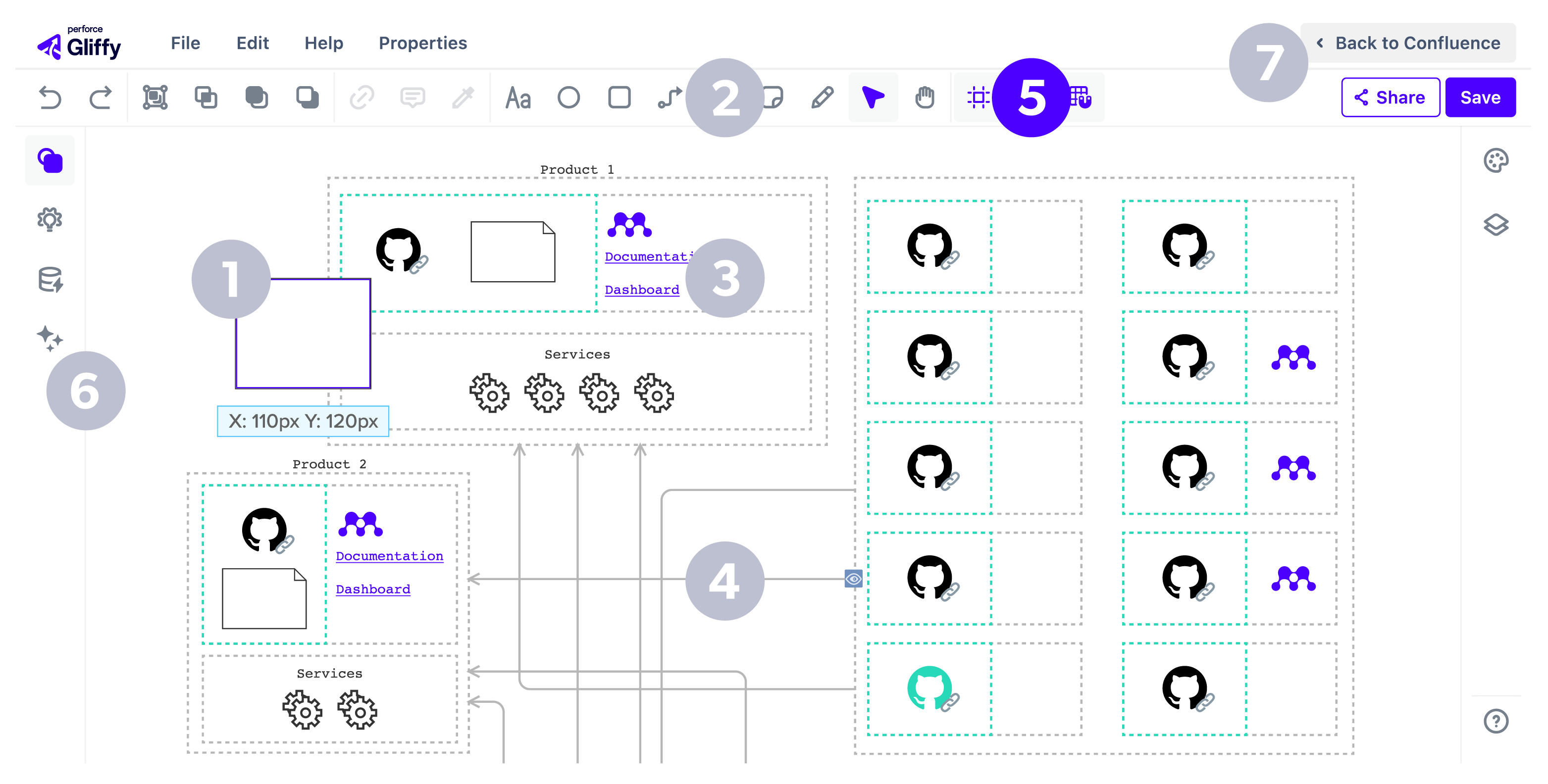
6. Generate with AI
Create fully editable diagrams in seconds with natural language prompts.
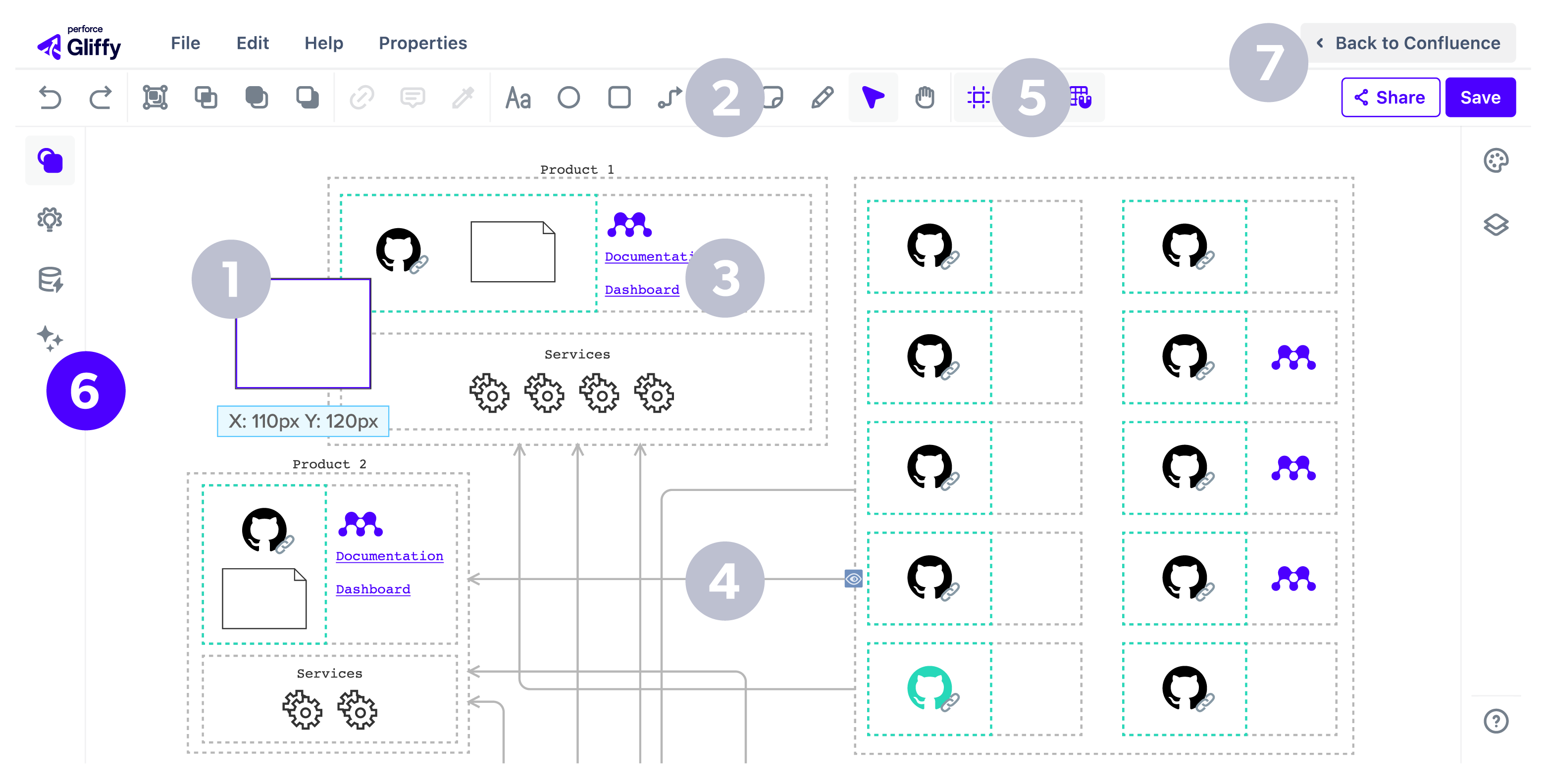
7. Built For Confluence
Diagram and collaborate directly in Confluence — no extra plugins or passwords.
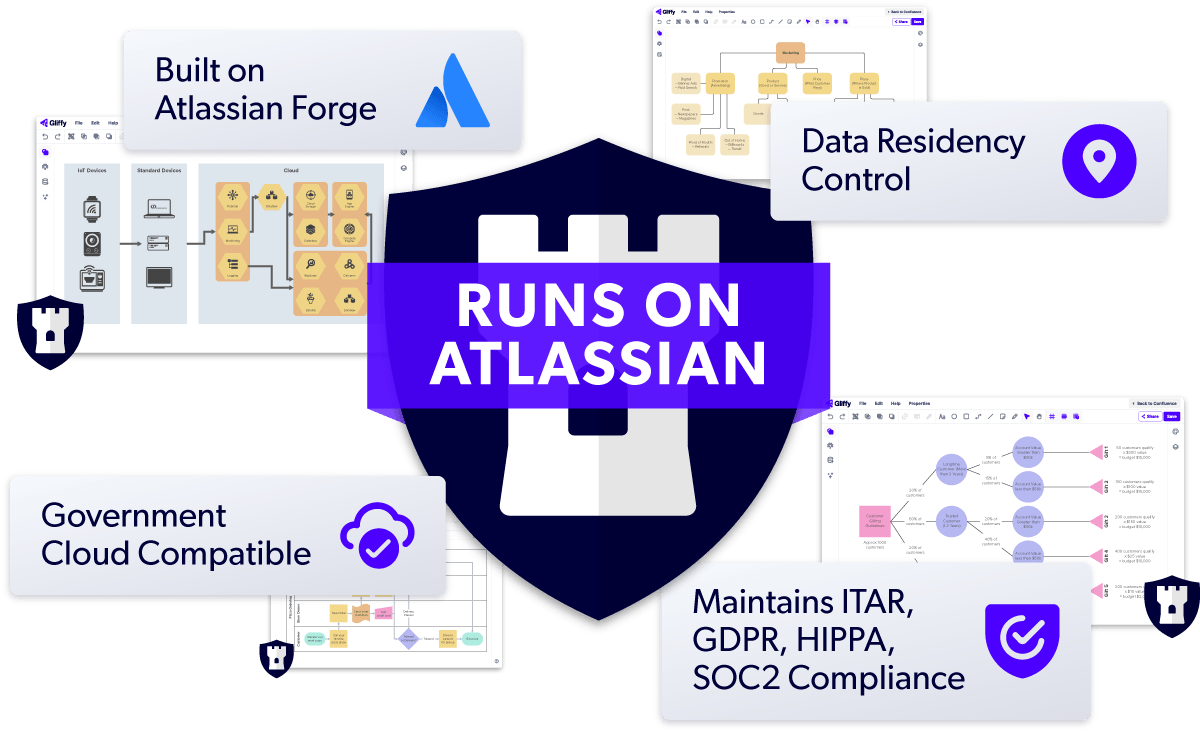
Safe & Secure: SOC 2 Type II Compliant & ISO 42001 Certified
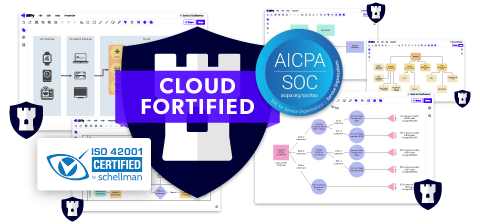
Gliffy was among the first apps to earn Atlassian’s Cloud Fortified status and achieve ISO 42001 certification—one of the world’s first international standards for responsible AI management. In addition, our Cloud apps are SOC 2 Type II compliant, underscoring our ongoing commitment to enterprise‑grade security and trust.
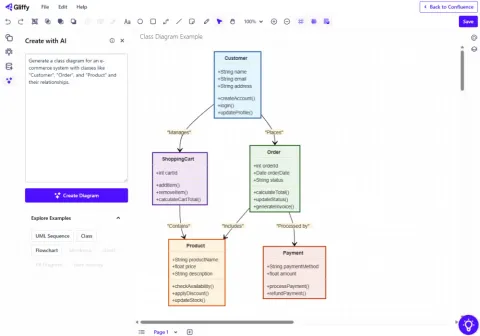
AI Diagramming in Gliffy: Generate Fully Editable Diagrams in Seconds
Gliffy’s AI functionality eliminates time spent building diagrams from scratch or searching for templates, making visual documentation a more sustainable step in your team’s workflows.
Secure Cloud Diagramming for Regulated Industries
Gliffy Zero Egress | Compliance-Ready Diagramming ensures no diagram data ever leaves your Atlassian environment, so you can diagram in Cloud without compromising compliance.