
Where Are You In Your Diagramming Journey Today?
I have access to Gliffy for Confluence.
Welcome to Gliffy! We’re glad you’re here.
Keep reading to learn:
I don’t have access to Gliffy yet.
If you’re an Atlassian admin, you can start a free evaluation of Gliffy on the Atlassian Marketplace.
If you’re a standard user, you’ll need to request the app from your organization’s admin:
How Do I Access Gliffy in Confluence?
Creating a Gliffy diagram is a simple addition to your content creation workflow.
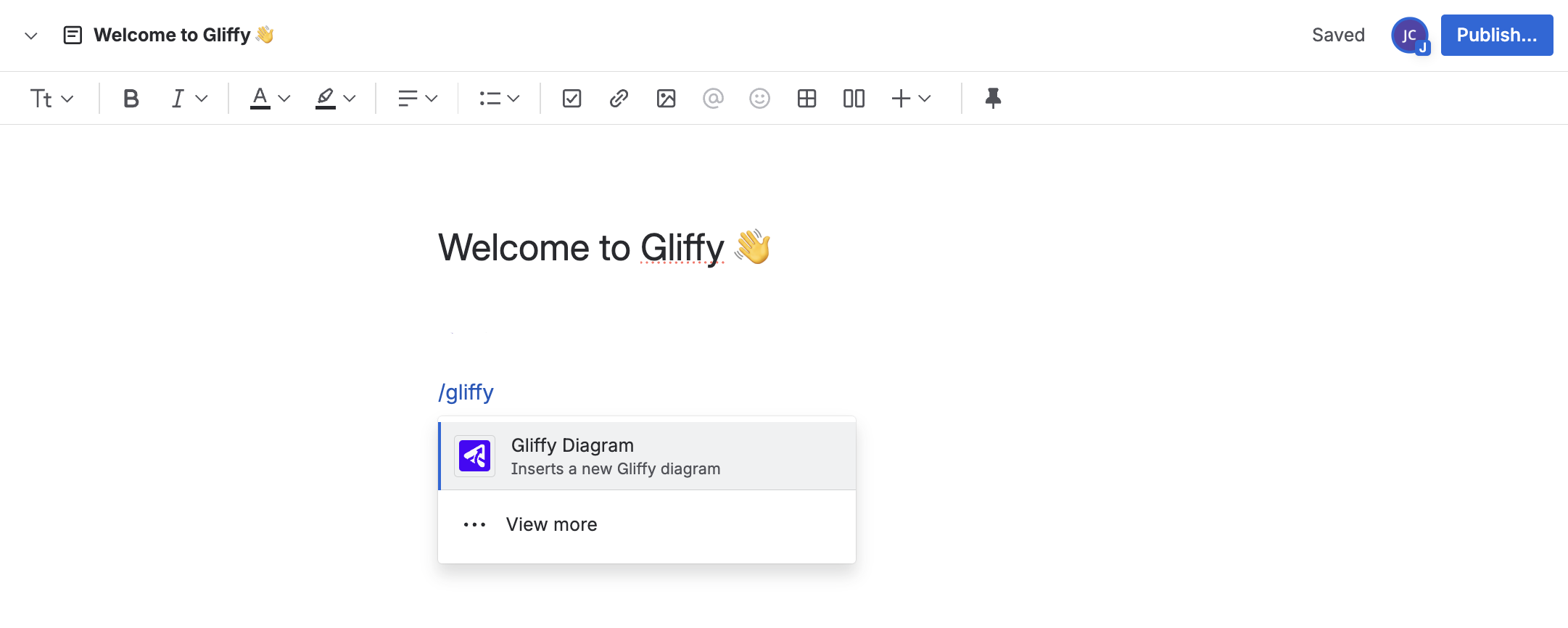
Just type /gliffy on any Confluence page you’re editing and select Gliffy Diagram.
How Do I Publish a Gliffy Diagram?
When you're finished working, click Save in the top right corner of your screen. You will be prompted to give the diagram a name if you haven’t done so already.
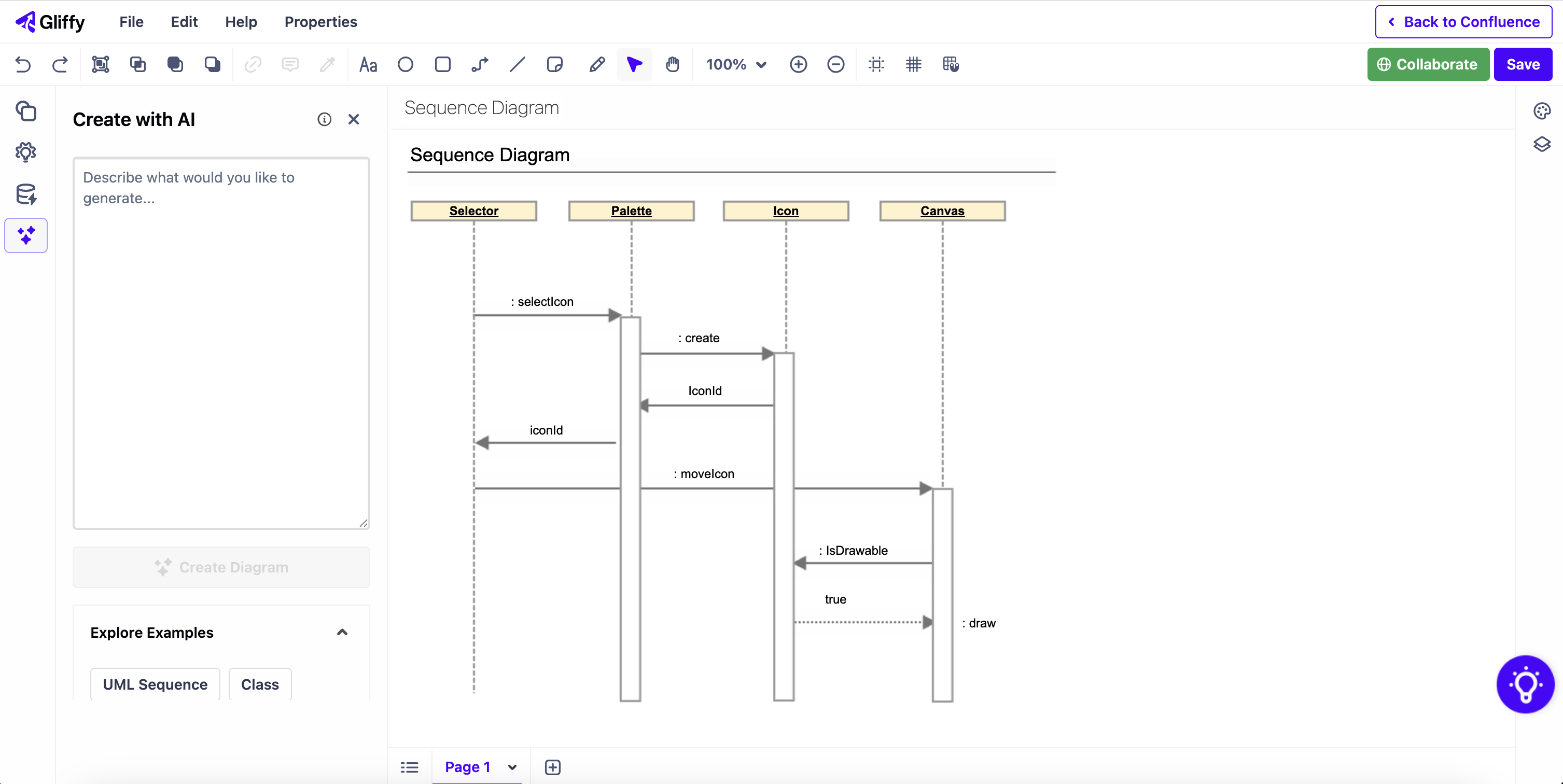
Then, you can click Back to Confluence. You’ll see your diagram embedded in the Confluence page.
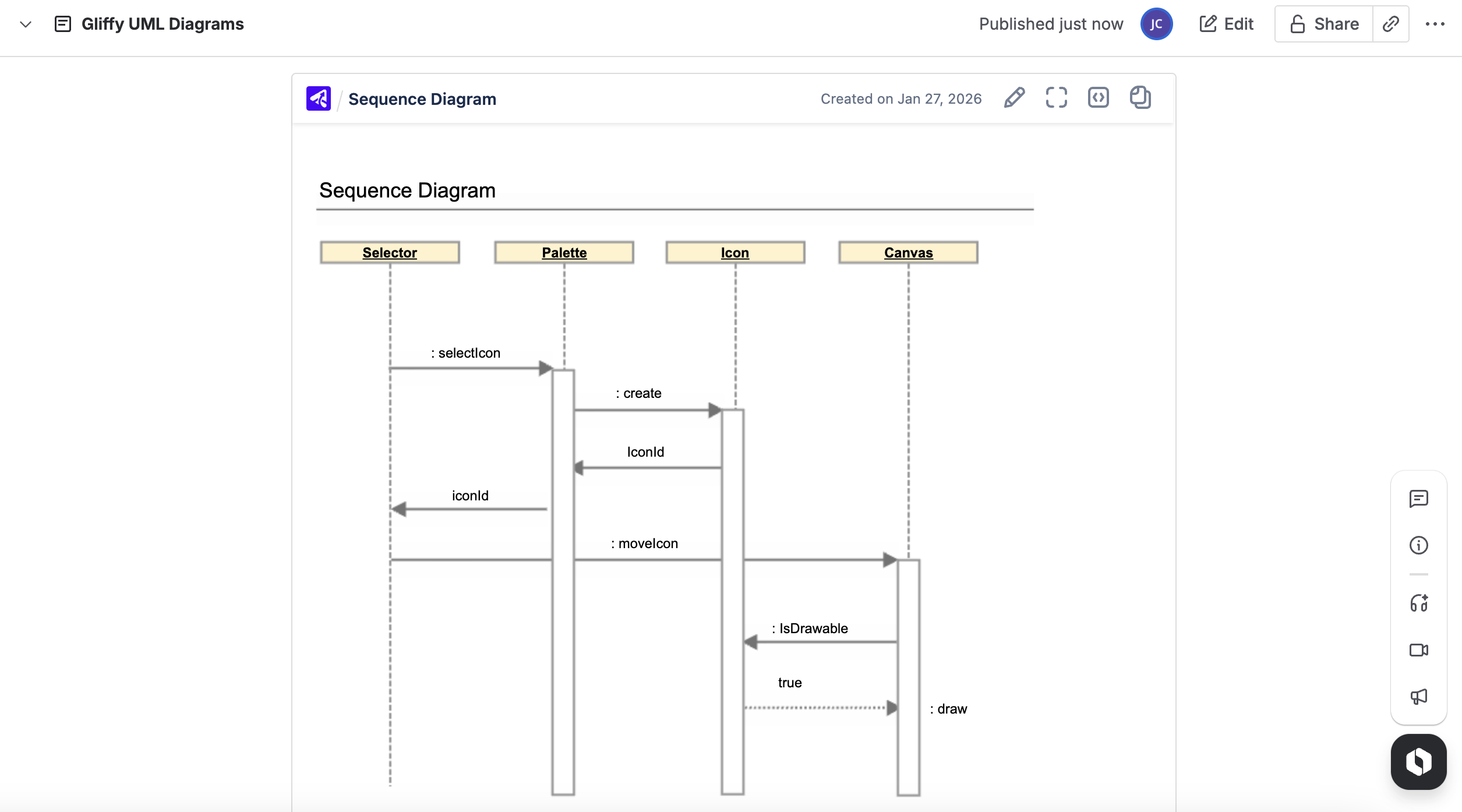
To edit a diagram you’ve already created and published, hover your mouse over the diagram and select the pencil icon in the top right.
Back to topWhere Can I Find a Diagram I’ve Already Created?
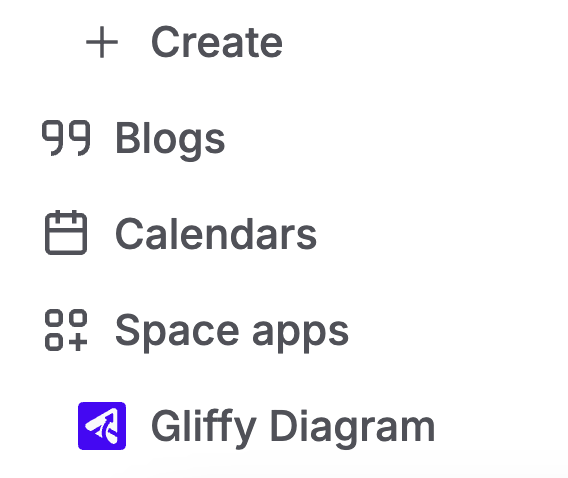
If you forgot which page contains a diagram you created, or you want to see all the diagrams in a certain Confluence space, scroll to the bottom of your Confluence sidebar.
There, you’ll find your Space Apps. Select Gliffy Diagram. This will take you to the Gliffy lobby.
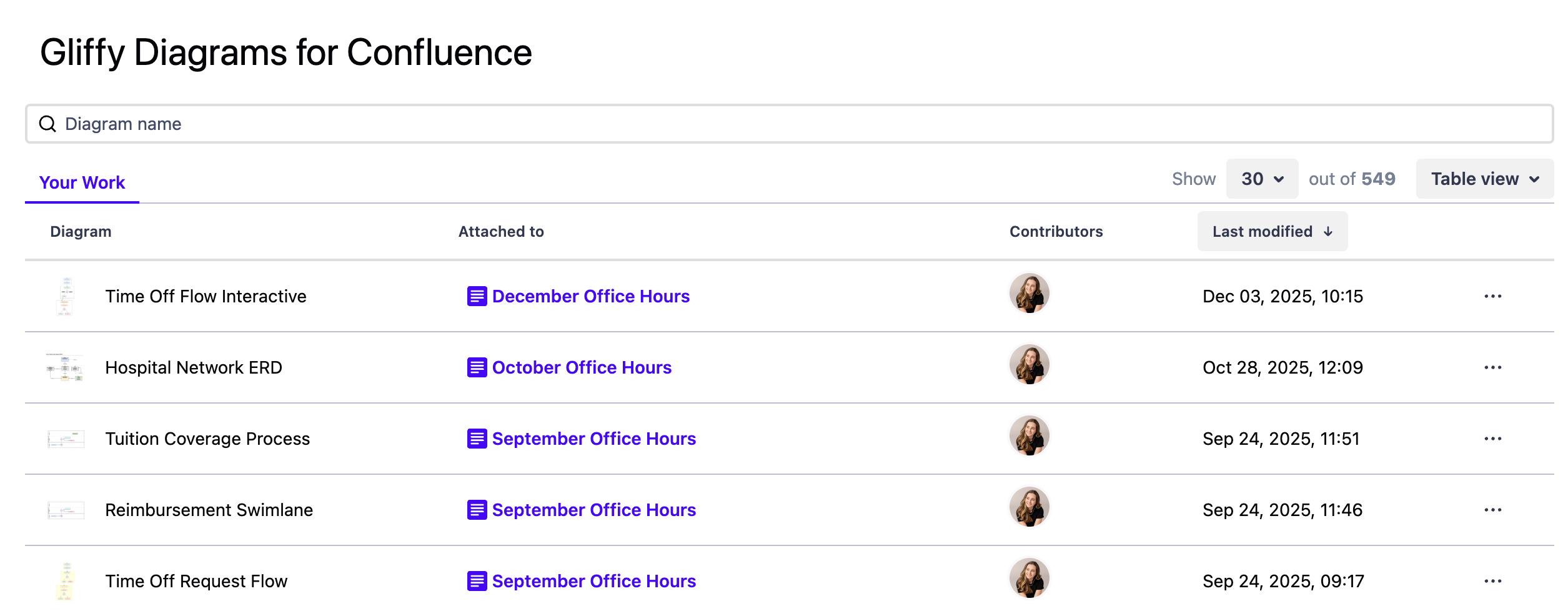
From here, you can edit any diagram or go to the page that contains the diagram.
Diagrams are displayed by how recently they were modified, but you can also search for a specific diagram by name.
More Diagramming Resources for Your Team
To learn more about how to use Gliffy’s advanced features and how diagramming can help your team achieve their goals, explore our video tutorials and blog.