Make any diagram look more professional with tips.
Confluence, Jira
Tutorial
How to Use Gliffy's Data Linking Feature
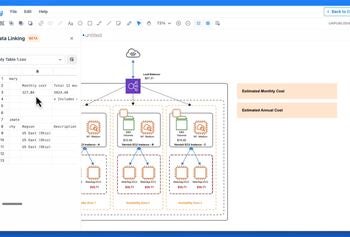
In this tutorial, you’ll learn how to use Gliffy’s data linking feature to upload CSV files directly to the Gliffy editor and drag and drop data into your diagrams.
Tutorial
Get to Know the Gliffy Lobby
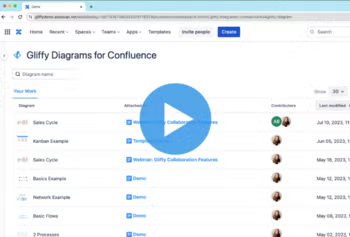
This tutorial is for our Confluence Cloud diagramming tool and covers how to find the Gliffy Lobby, views available, and how to quickly find and edit or share your diagrams.
Tutorial
Using Templates in Gliffy for Confluence Cloud
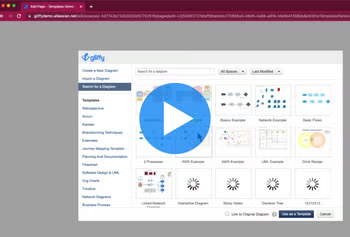
Learn how to get a head start on any diagram in Confluence Cloud with Gliffy’s diagram templates.
Tutorial
Try Sticky Notes in Gliffy
In this tutorial, you’ll learn how to use sticky notes in Gliffy to collaborate on diagrams with your team.
Tutorial
Try Freehand Drawing in Gliffy
In this tutorial, you’ll learn how to use Gliffy as a digital whiteboard with freehand drawing to bring a new layer of creativity and flexibility to your designs.
Tutorial
How to Make a BPMN Diagram
Learn how to make a BPMN diagram in Gliffy with this quick tutorial.
Tutorial
Tips for Drawing Lines & Connectors in Gliffy
Lines and connectors are important in diagramming because they show the flow of a process or the relationships between items in your diagram.